
Home / Platform
The whole Voice of the Customer programme, on one platform.
Collect feedback on every channel, understand it at contact centre scale, act on it inside Genesys Cloud CX, and govern all of it to ISO 27001.
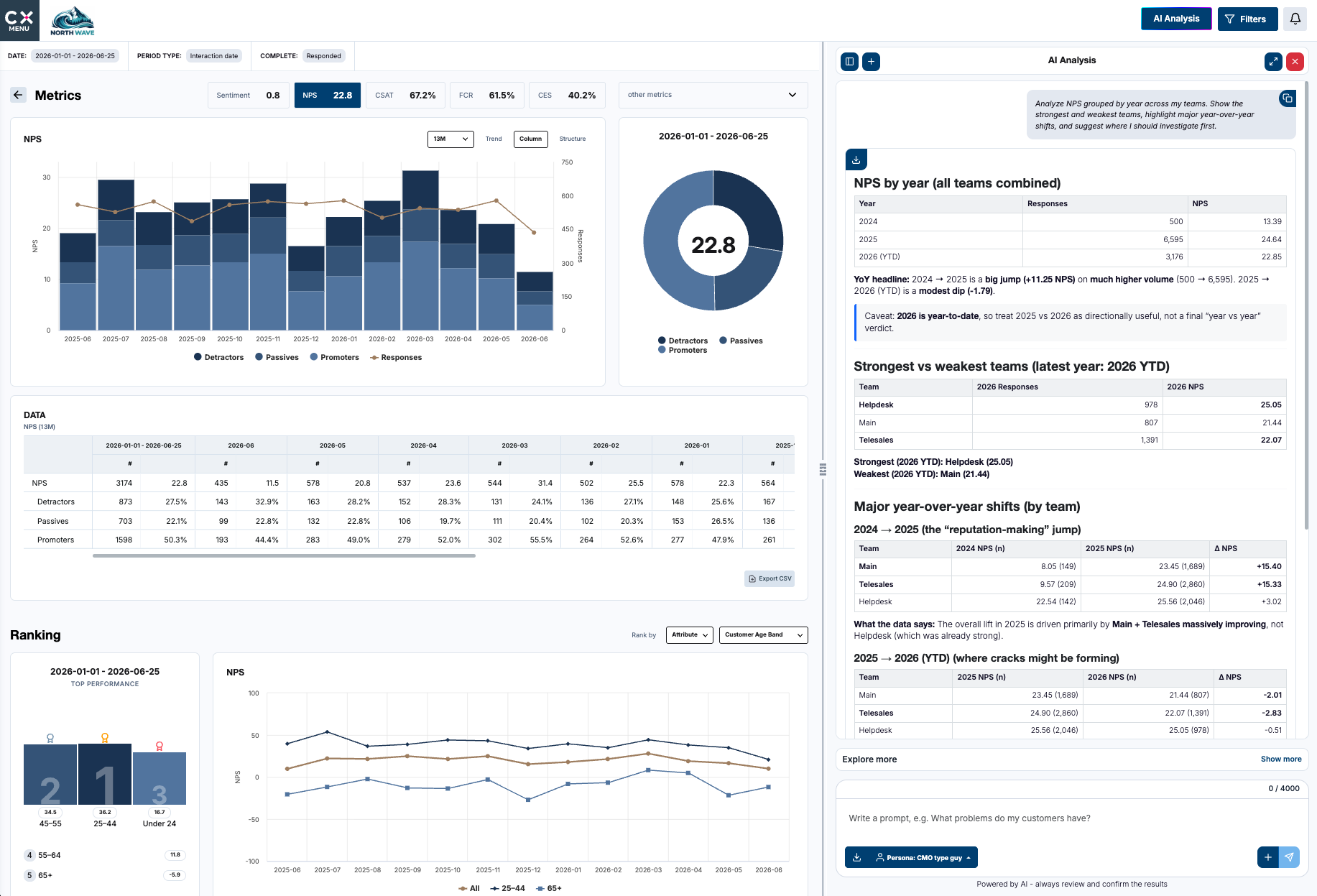
Signal, clarity, outcome
Four stages. Every one of them in the same place.
Pick a stage, or read straight through. Each section shows the real product, and every screenshot opens full size.
01 Signal
Collect
02 Clarity
Understand
03 Outcome
Act
04 Trust
Govern
01 Collect
Ask the right question on the right channel.
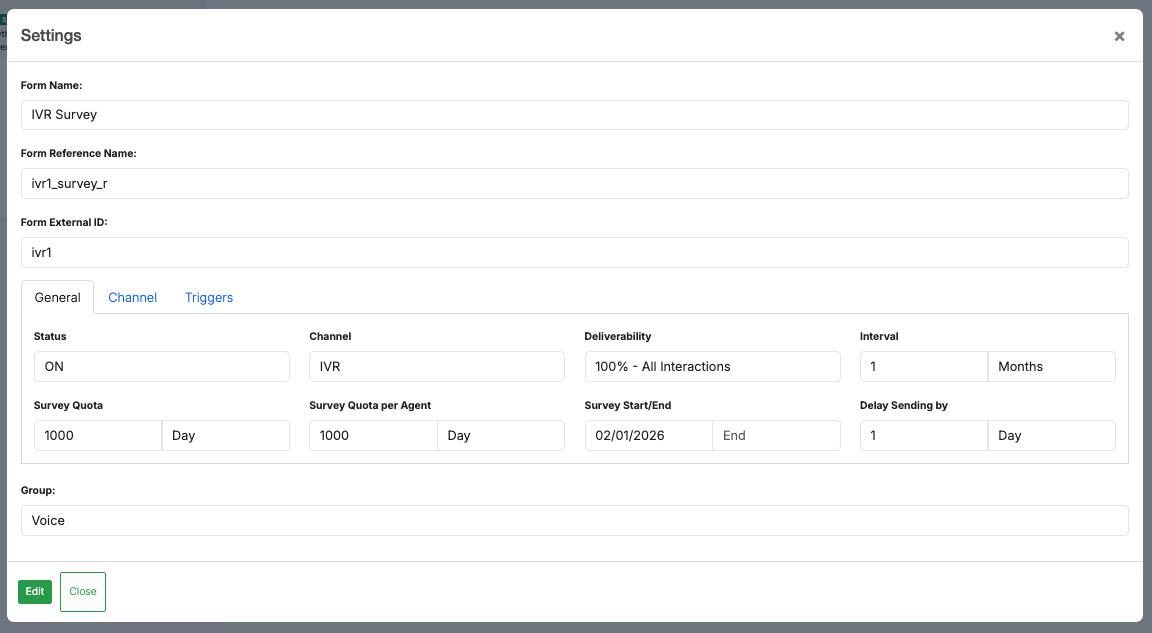
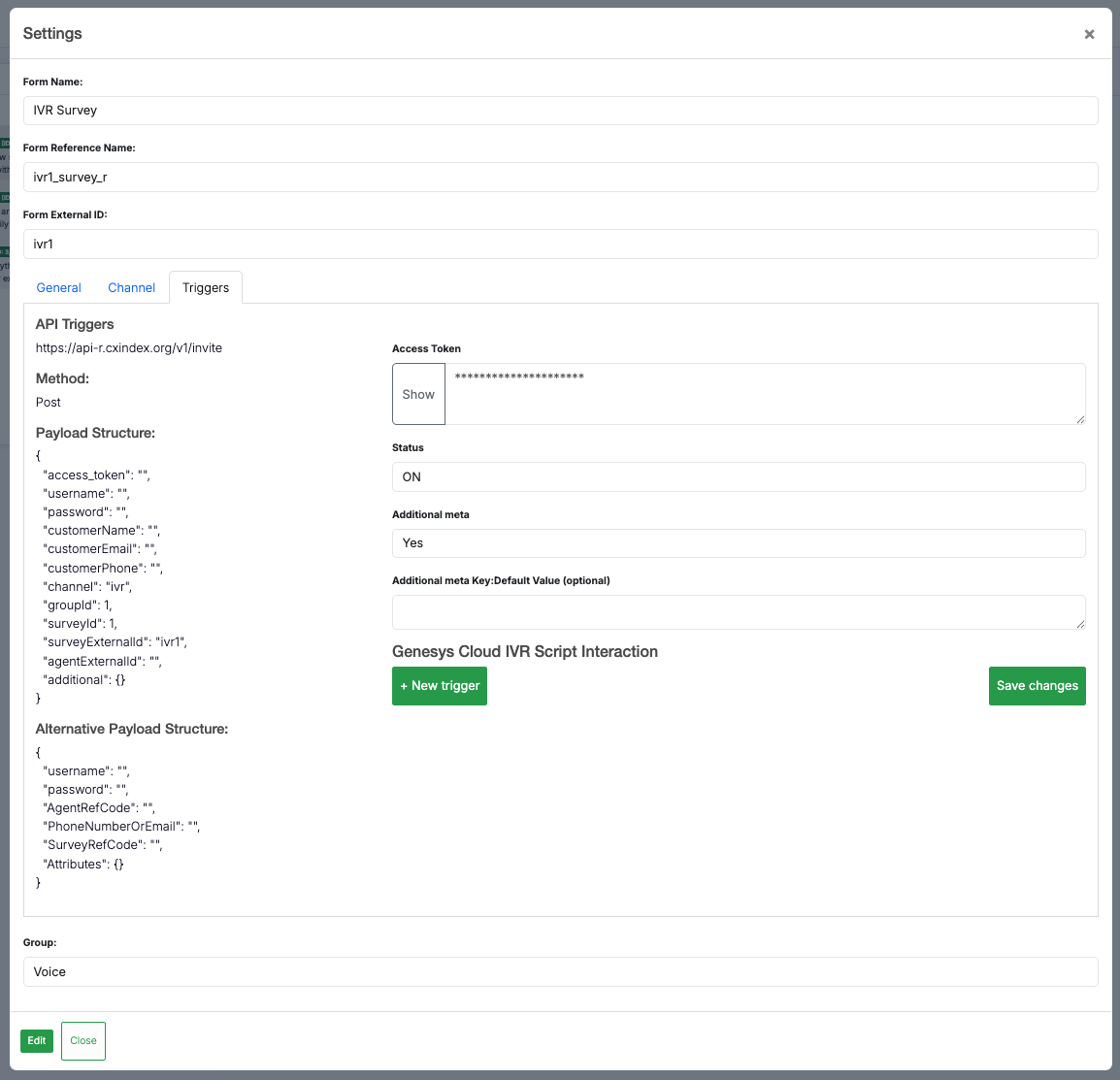
Build surveys with conditional logic and dynamic paths, then send them by email, SMS, IVR, web, WhatsApp, chat or social, triggered by the interaction that just happened.
01 Collect
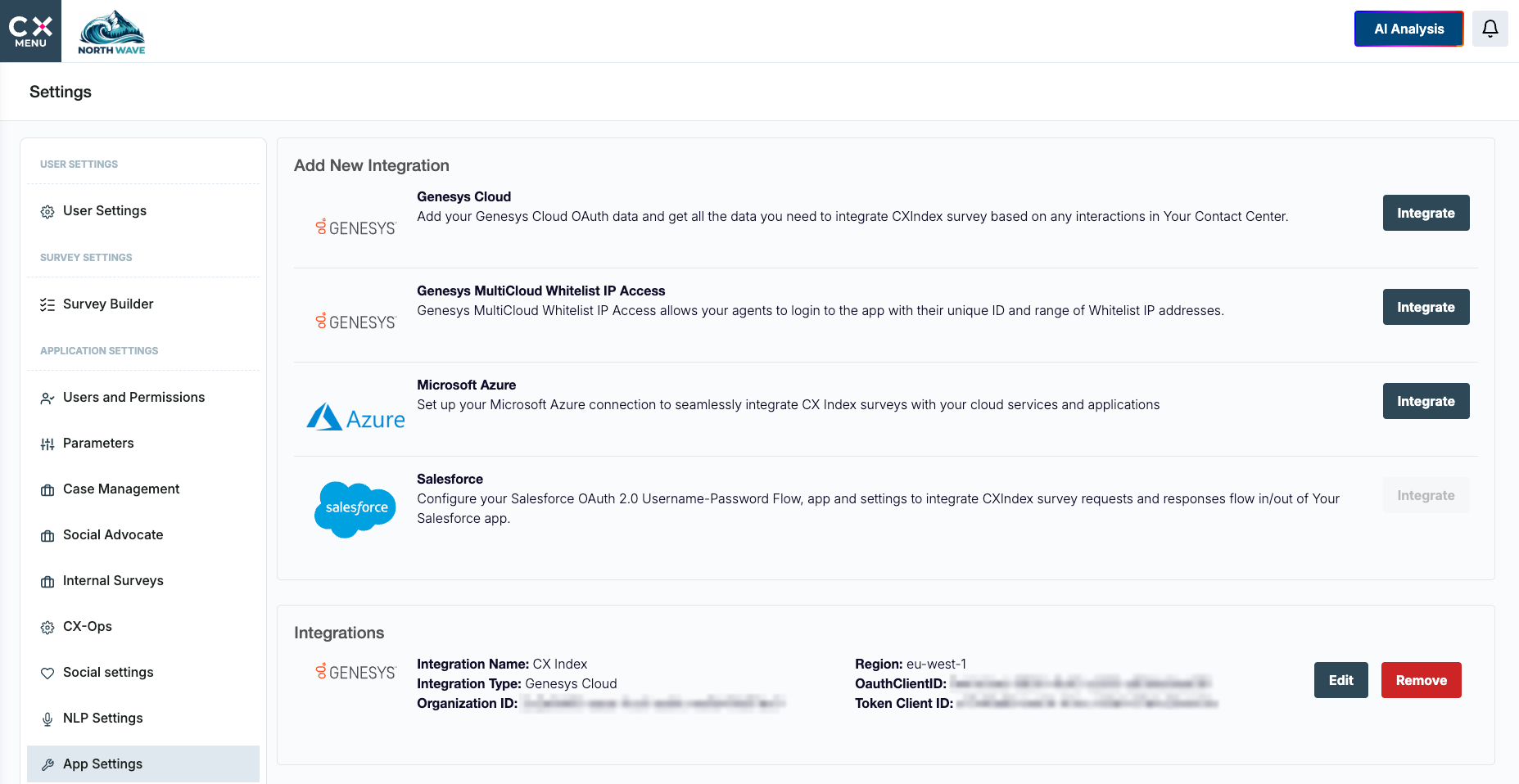
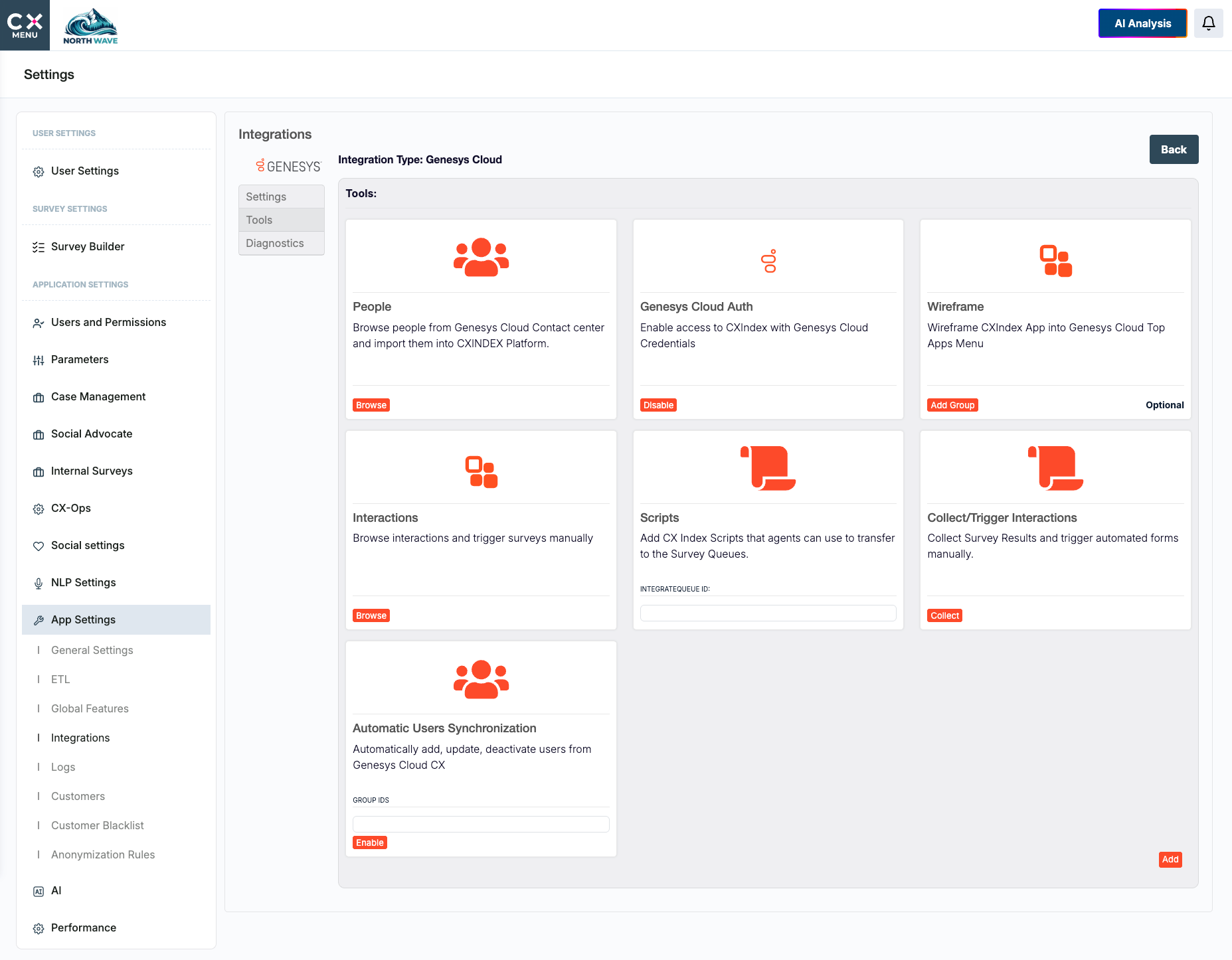
Plugs into the systems you already run.
Genesys and Salesforce out of the box, with REST API, CSV, SFTP, manual triggering and custom integrations for everything else.
01 Collect
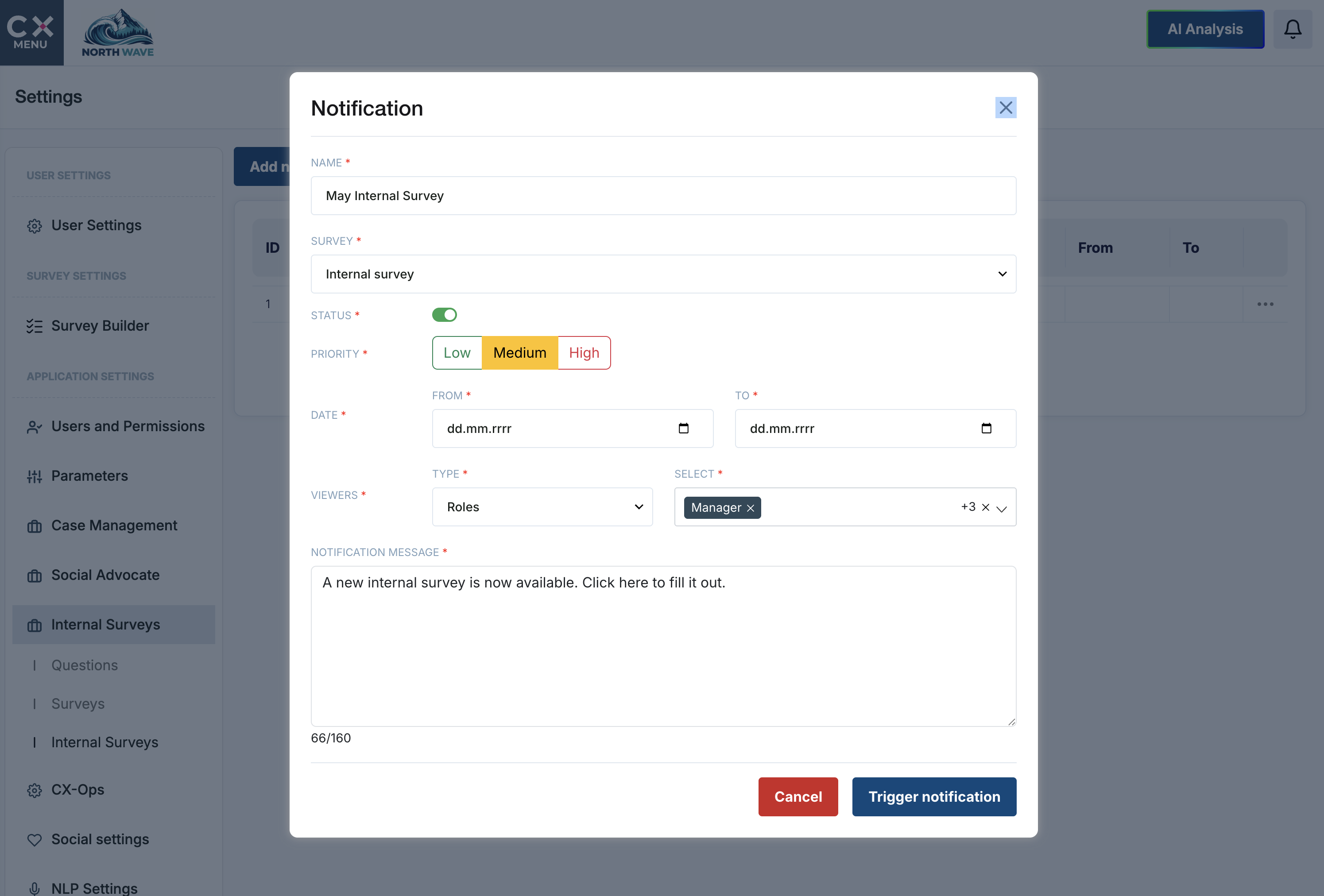
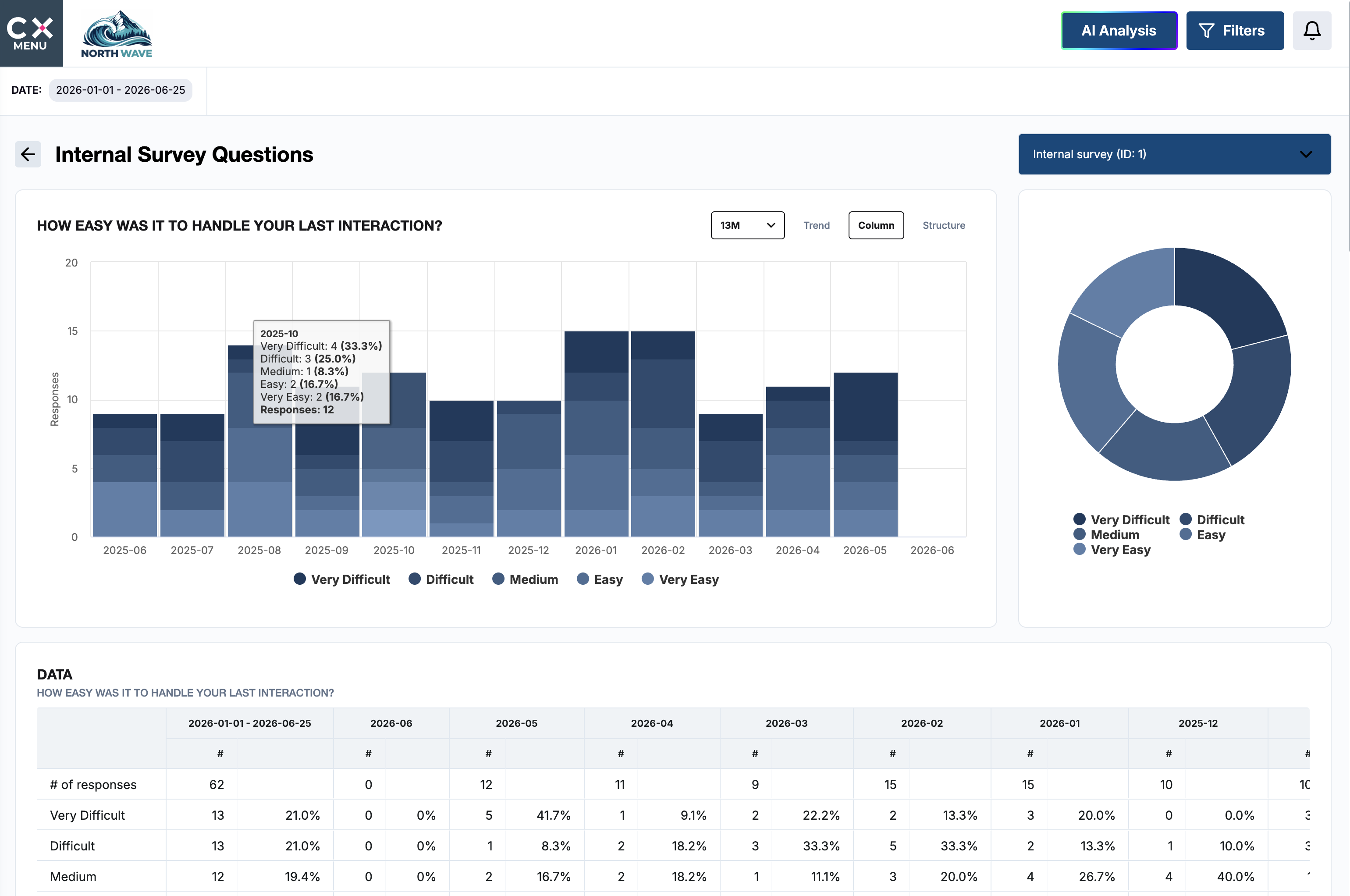
Hear from your own people too.
Employee, manager and internal user surveys with their own audiences, notifications and reporting, kept apart from customer data.
02 Understand
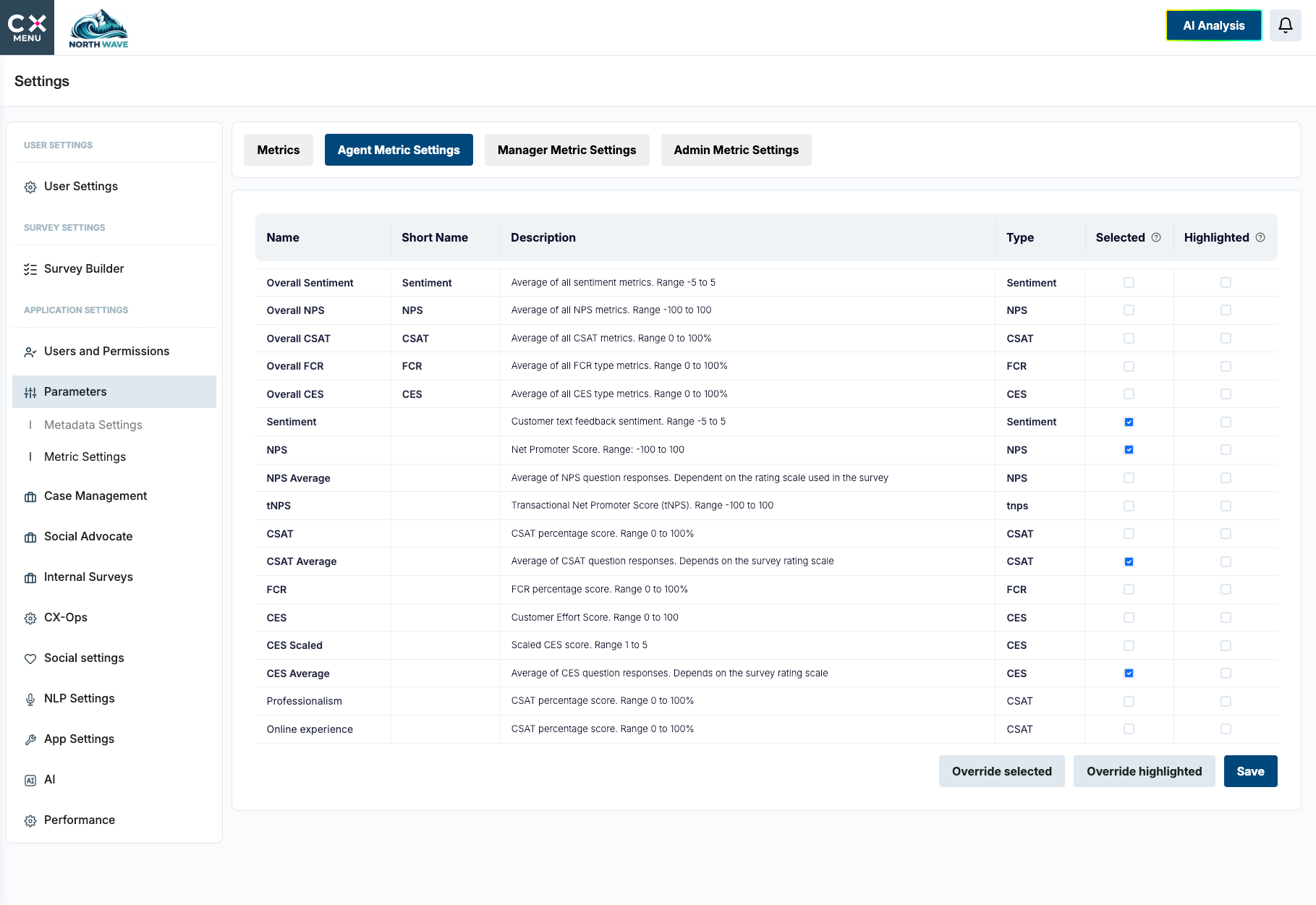
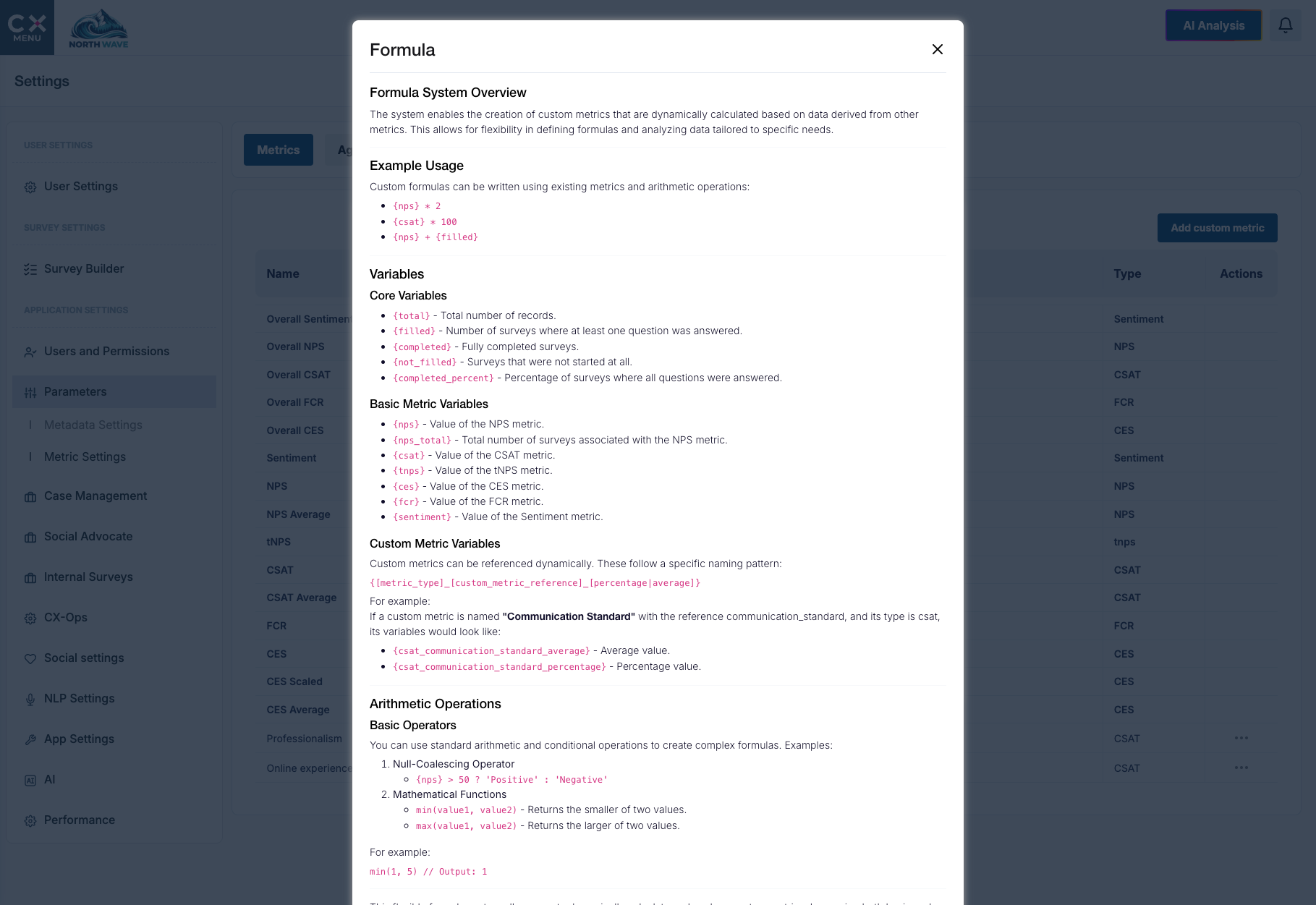
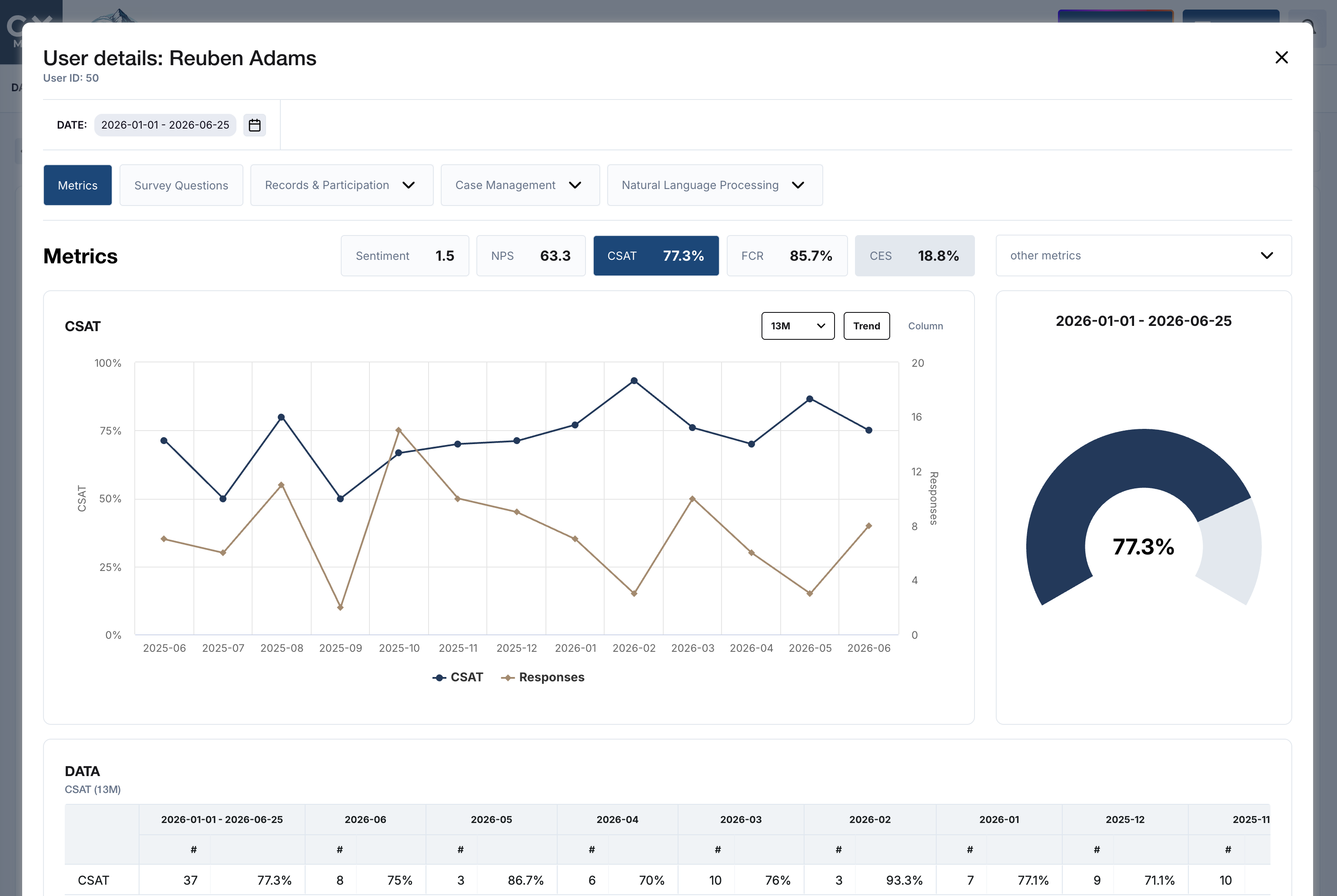
Every metric the board asks about, and the ones it will.
NPS, CSAT, CES, FCR and sentiment as standard. Custom metrics built from business rules, formulas and data from other sources, calculated live.
02 Understand
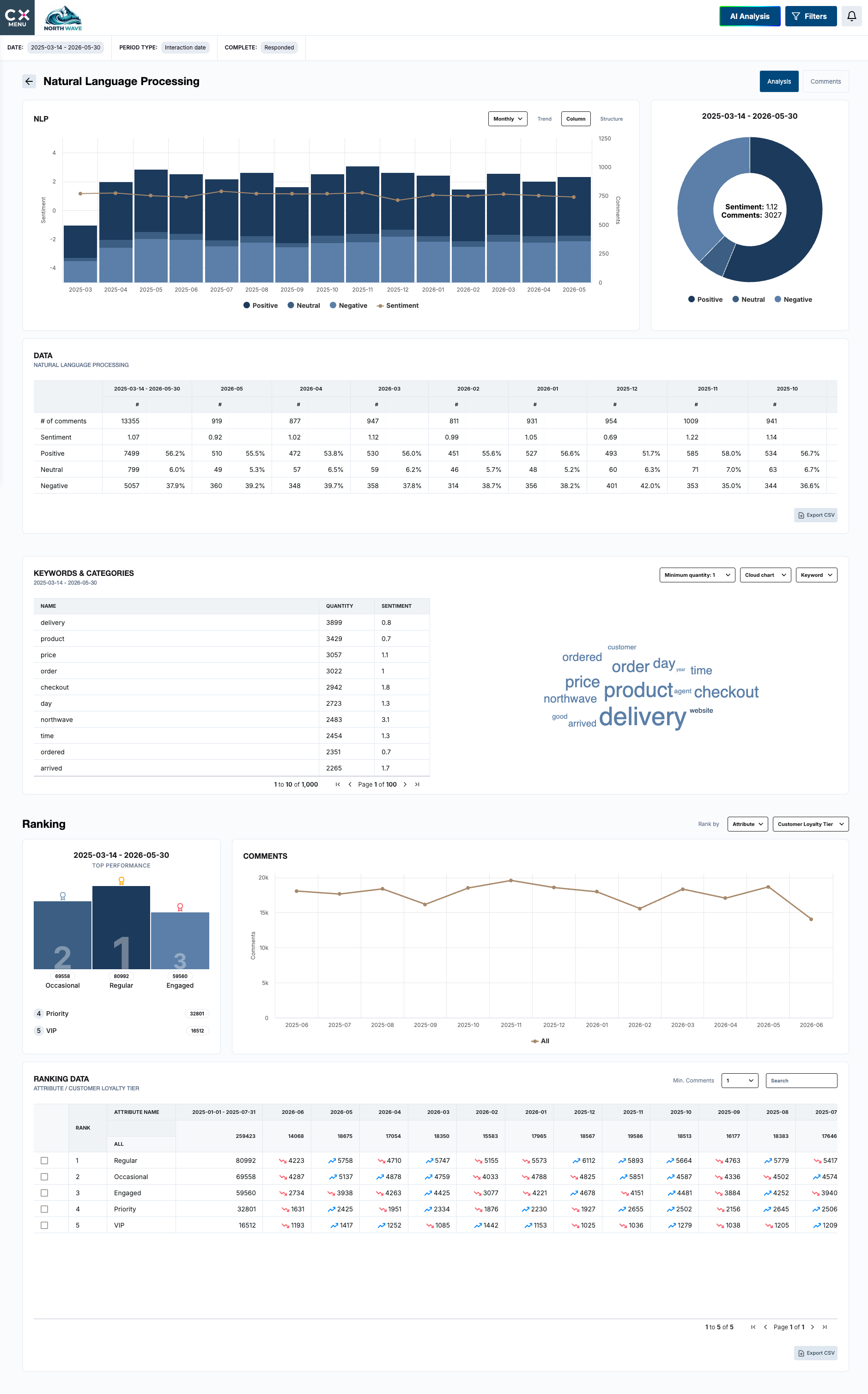
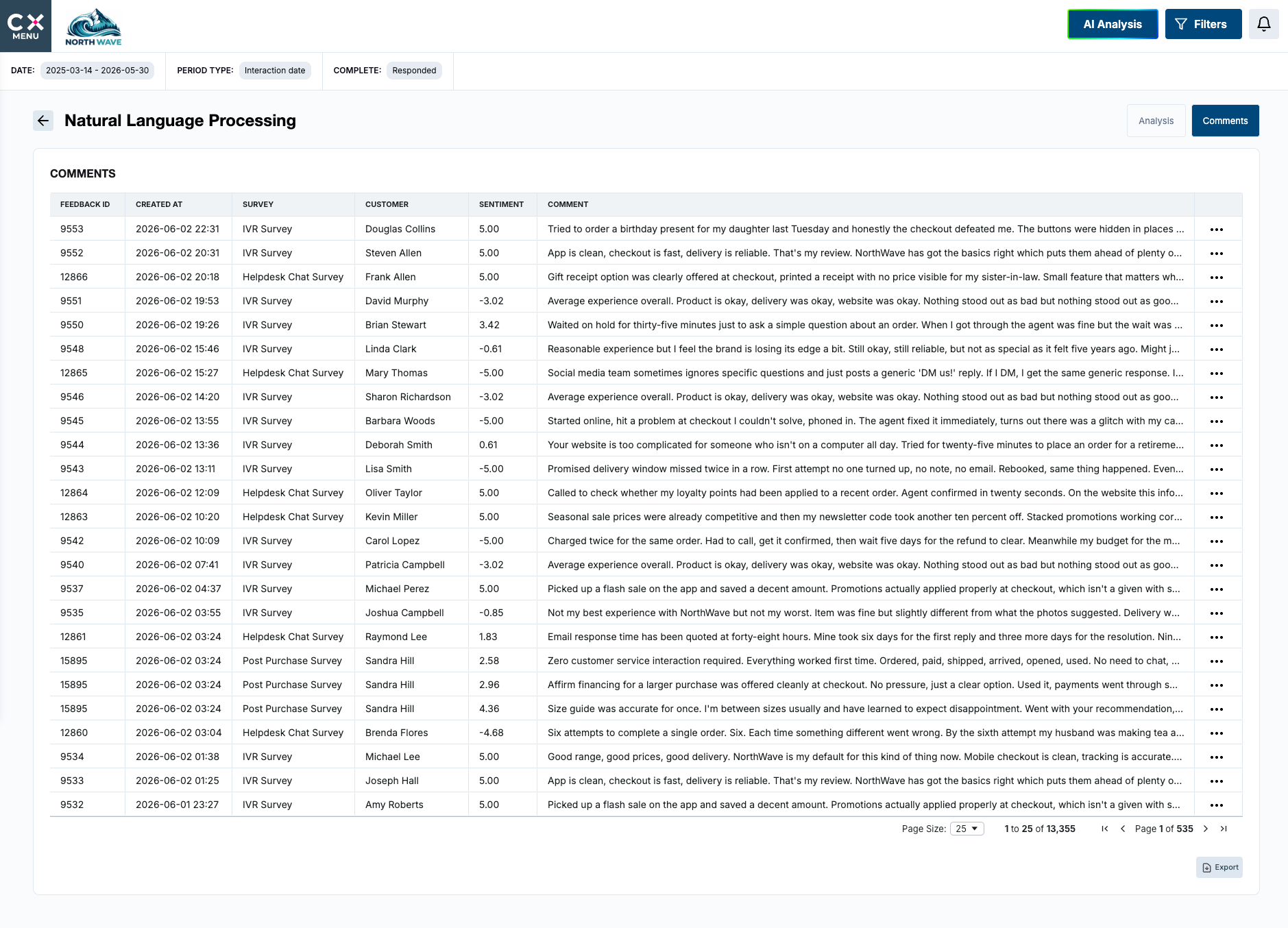
Read every comment, at contact centre volume.
Sentiment, keyword detection and topic categorisation across survey comments, chat conversations and voice interactions, with categories you configure yourself.
02 Understand
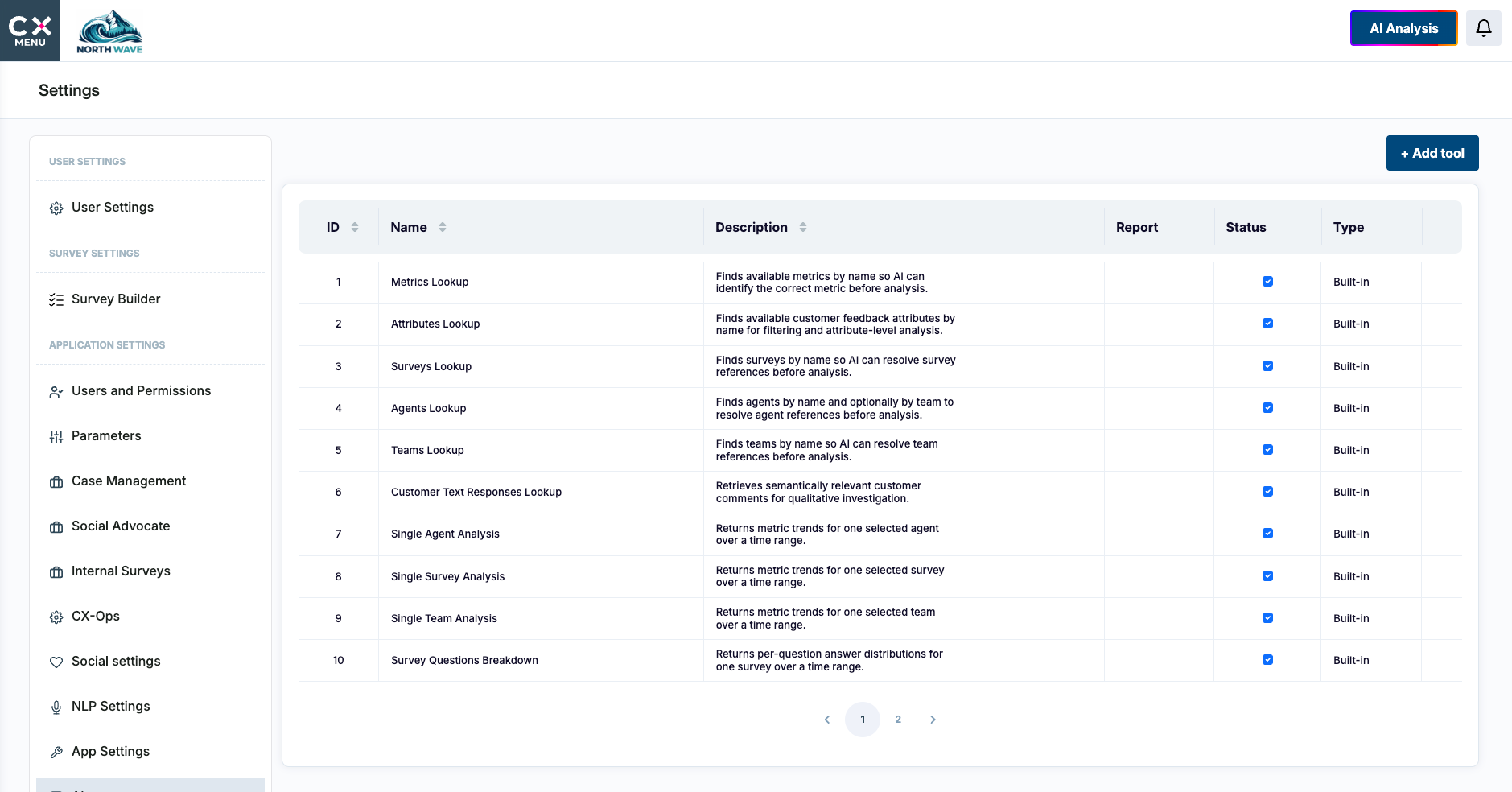
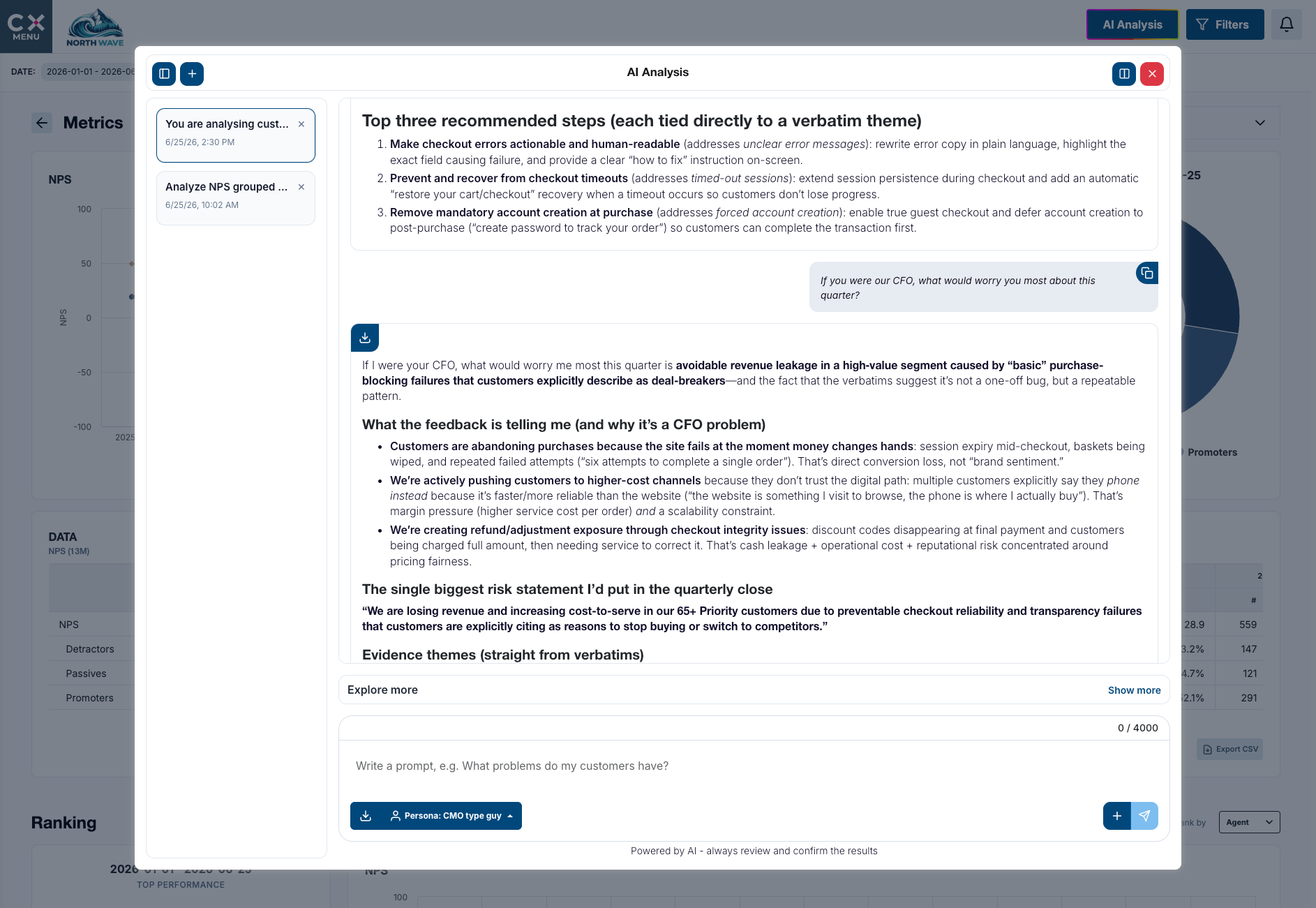
AI on your terms.
Choose your LLM provider or bring your own. Custom prompts and personas, permissioned data access, token monitoring and a full prompt audit log, so AI gets approved by the people who have to approve it.
02 Understand
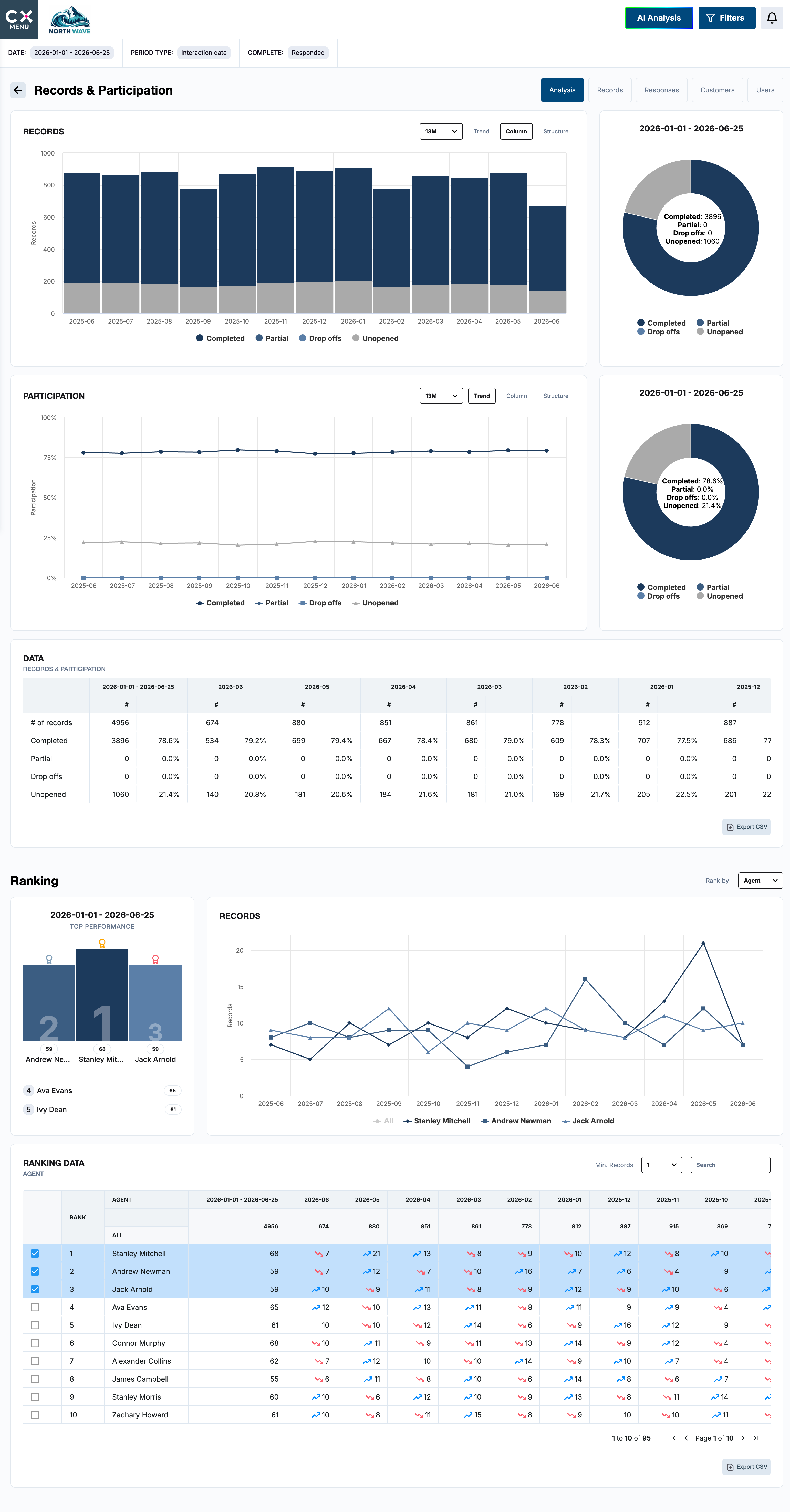
Rank anything against anything.
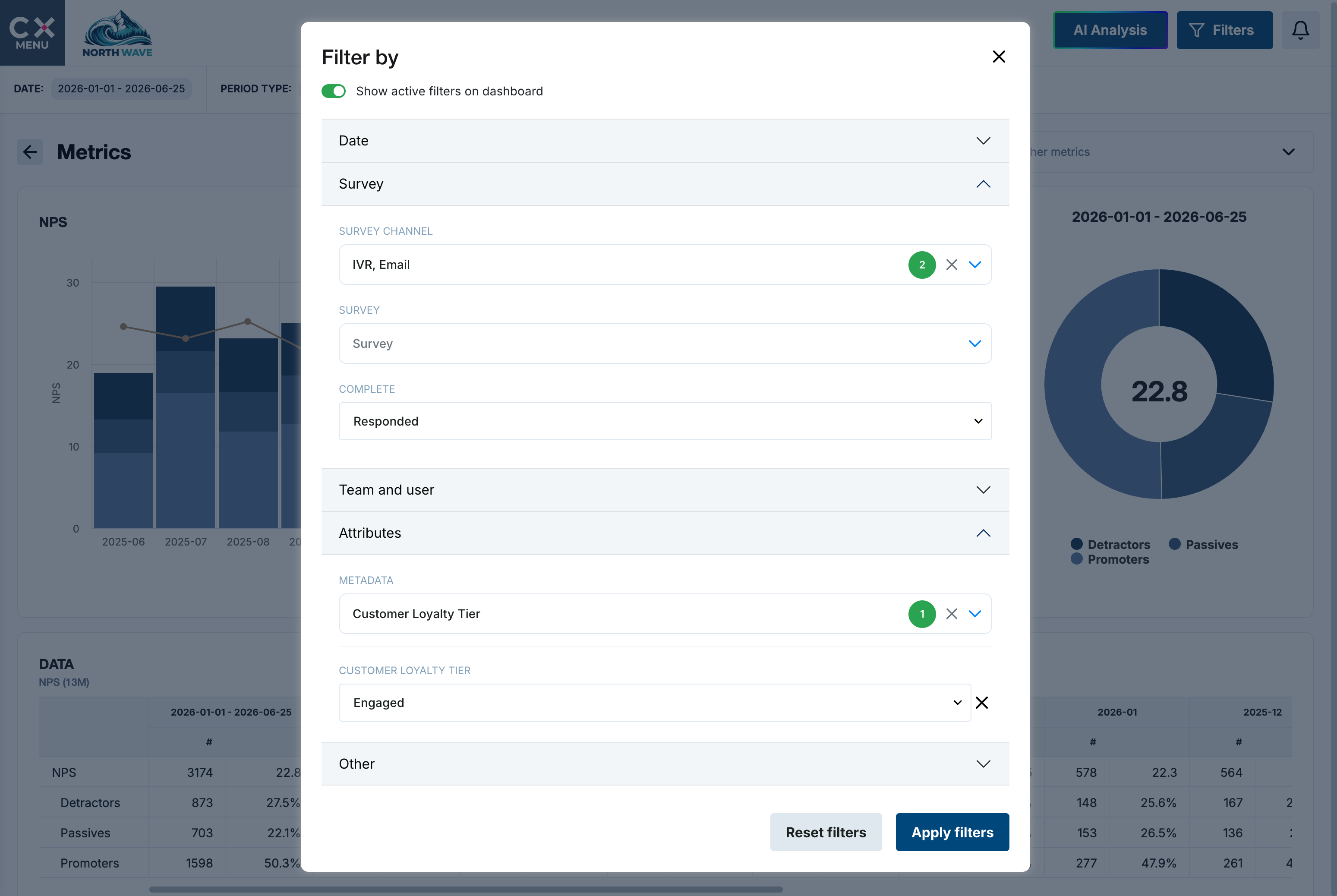
Dedicated dashboards for every part of the programme, with filtering, trends, date summaries, data tables and exports. Rank any metric by agent, survey, team or any attribute you hold.
03 Act
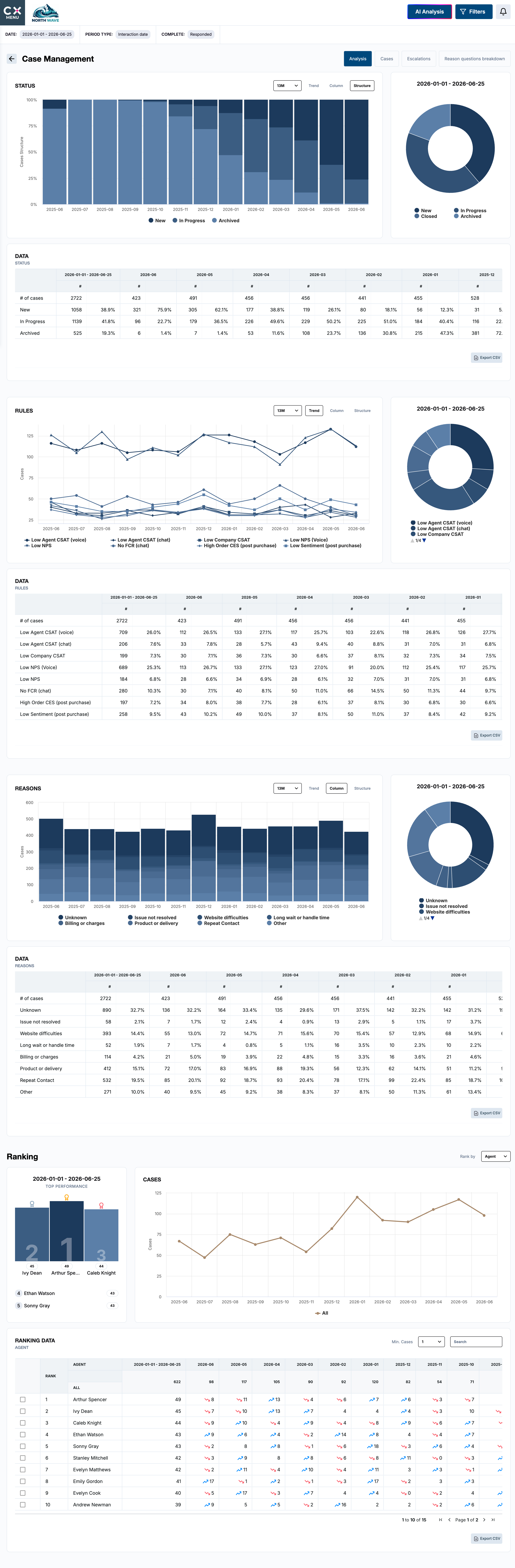
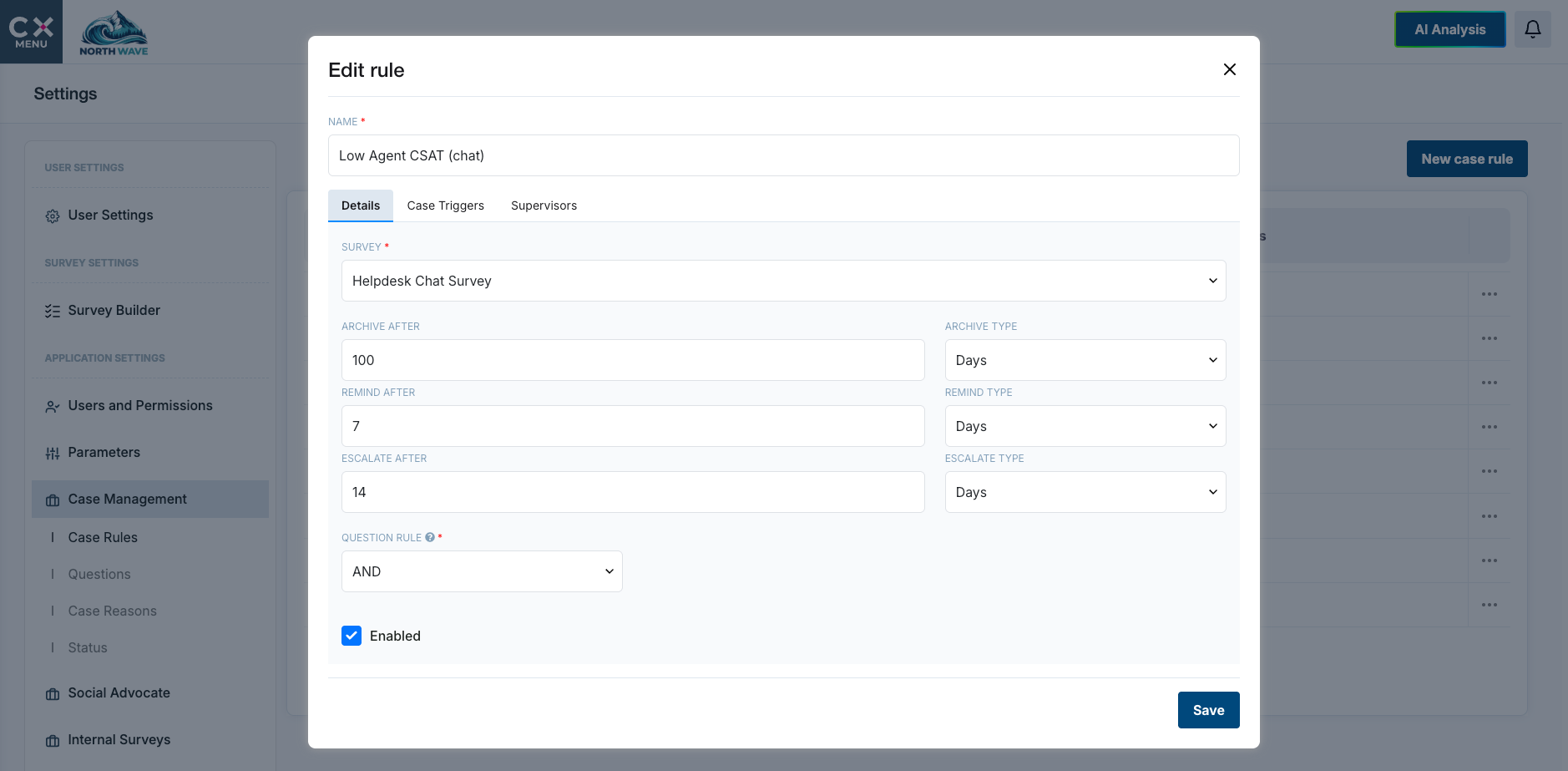
Every unhappy customer gets an owner.
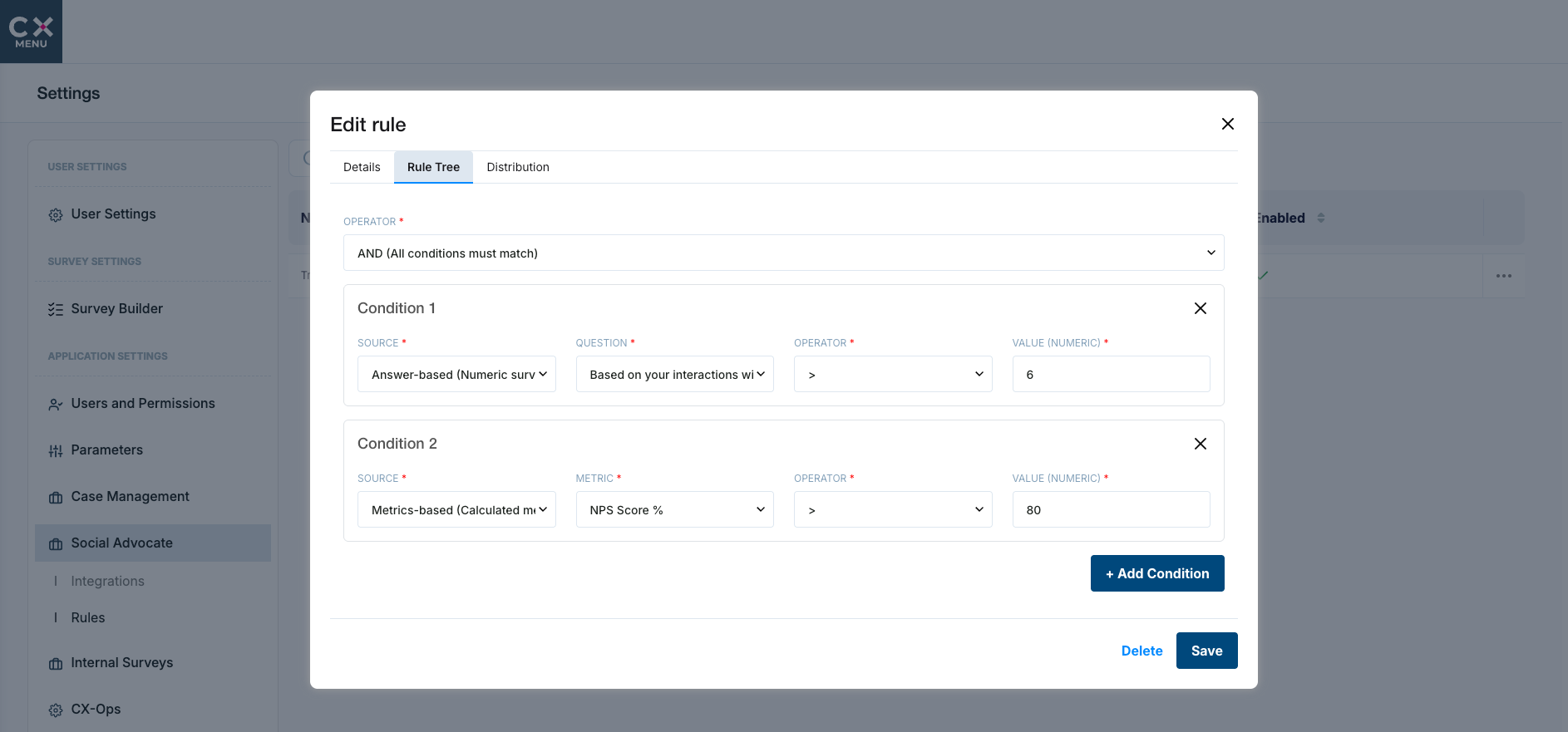
Cases open automatically when your rules are met, with escalation paths, statuses, reason codes and a follow up survey to the agent who handled it.
03 Act
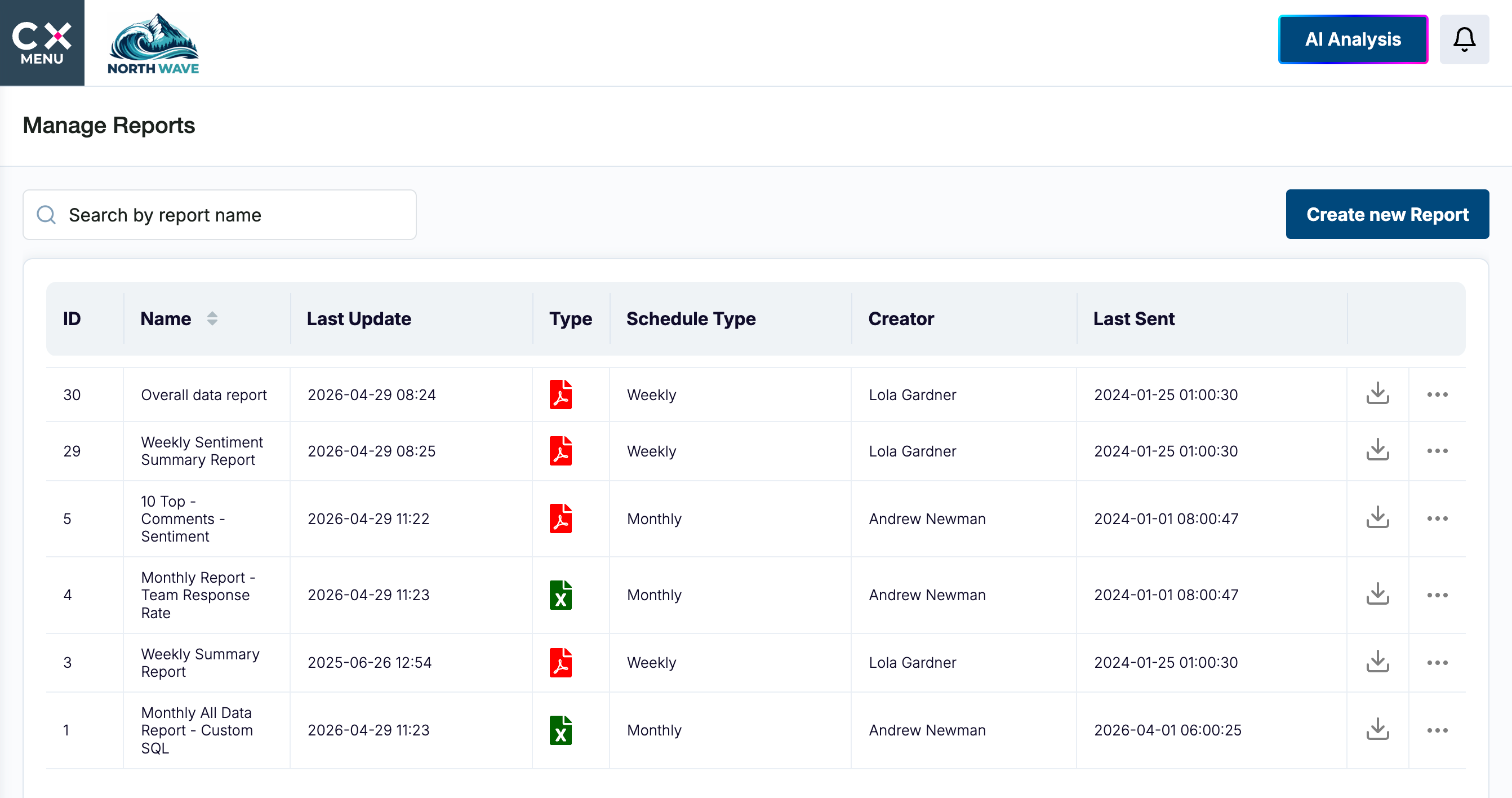
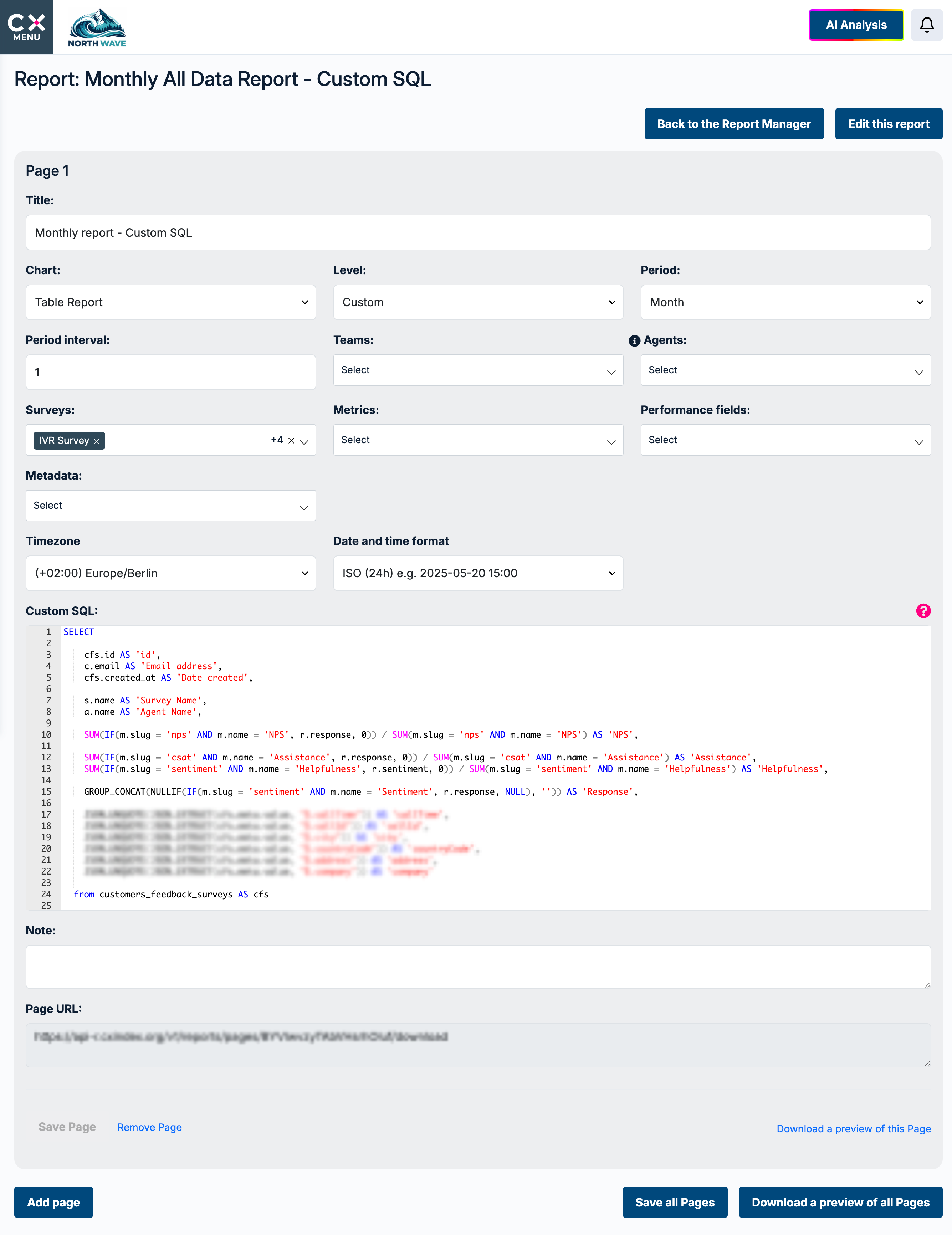
Reports that arrive where people already work.
PDF, Excel, CSV or PowerPoint, delivered by email, SFTP or Amazon S3, built from templates, from your own SQL, or generated by AI.
03 Act
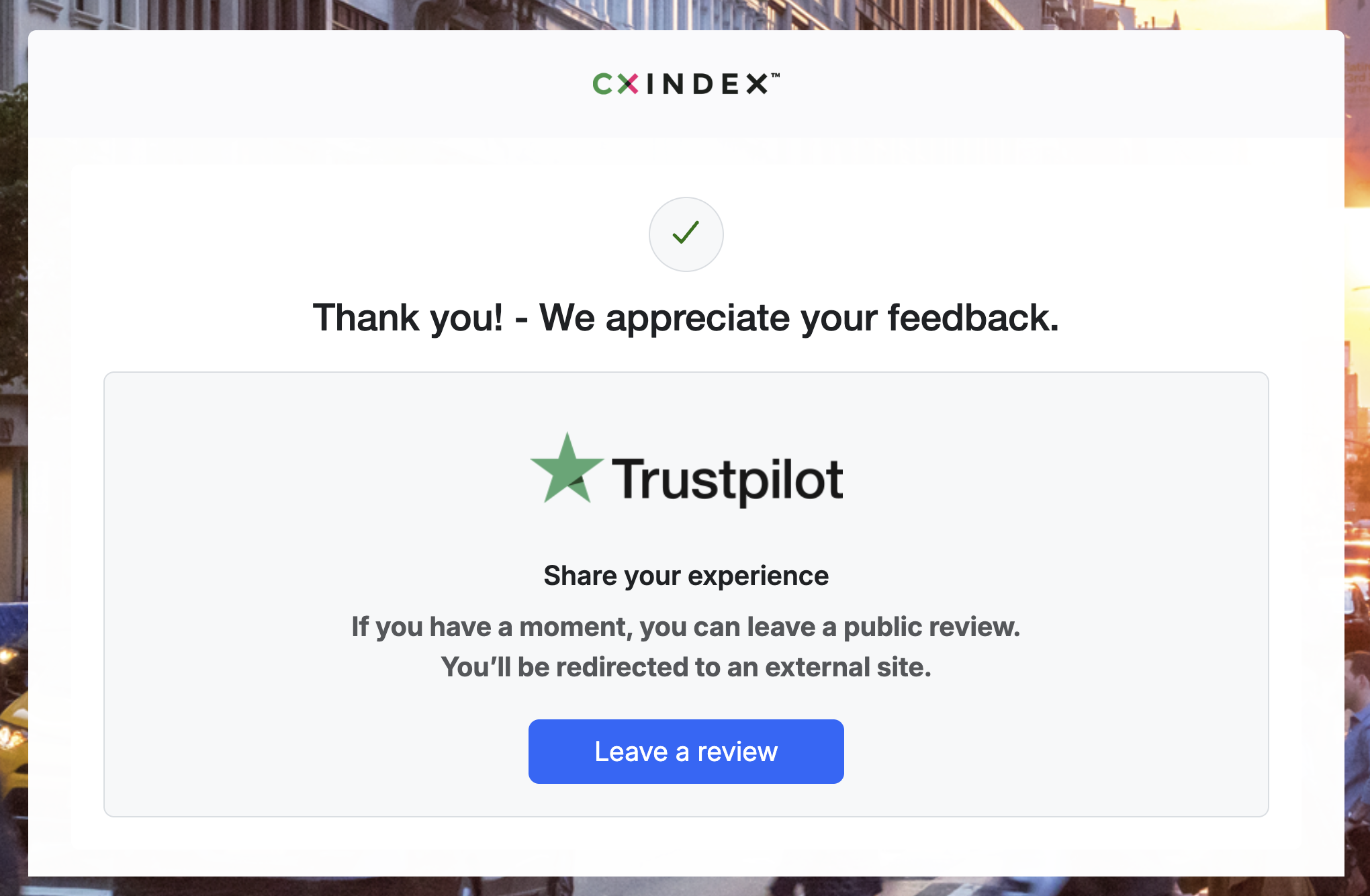
OutLoud. Turn feedback into public reviews.
Every eligible customer is invited to share their experience on the review platforms you choose, at the same point, whatever they scored. Low scores also trigger a recovery track. Answer engines draw on reviews when they recommend a company, so this matters more every year.
03 Act
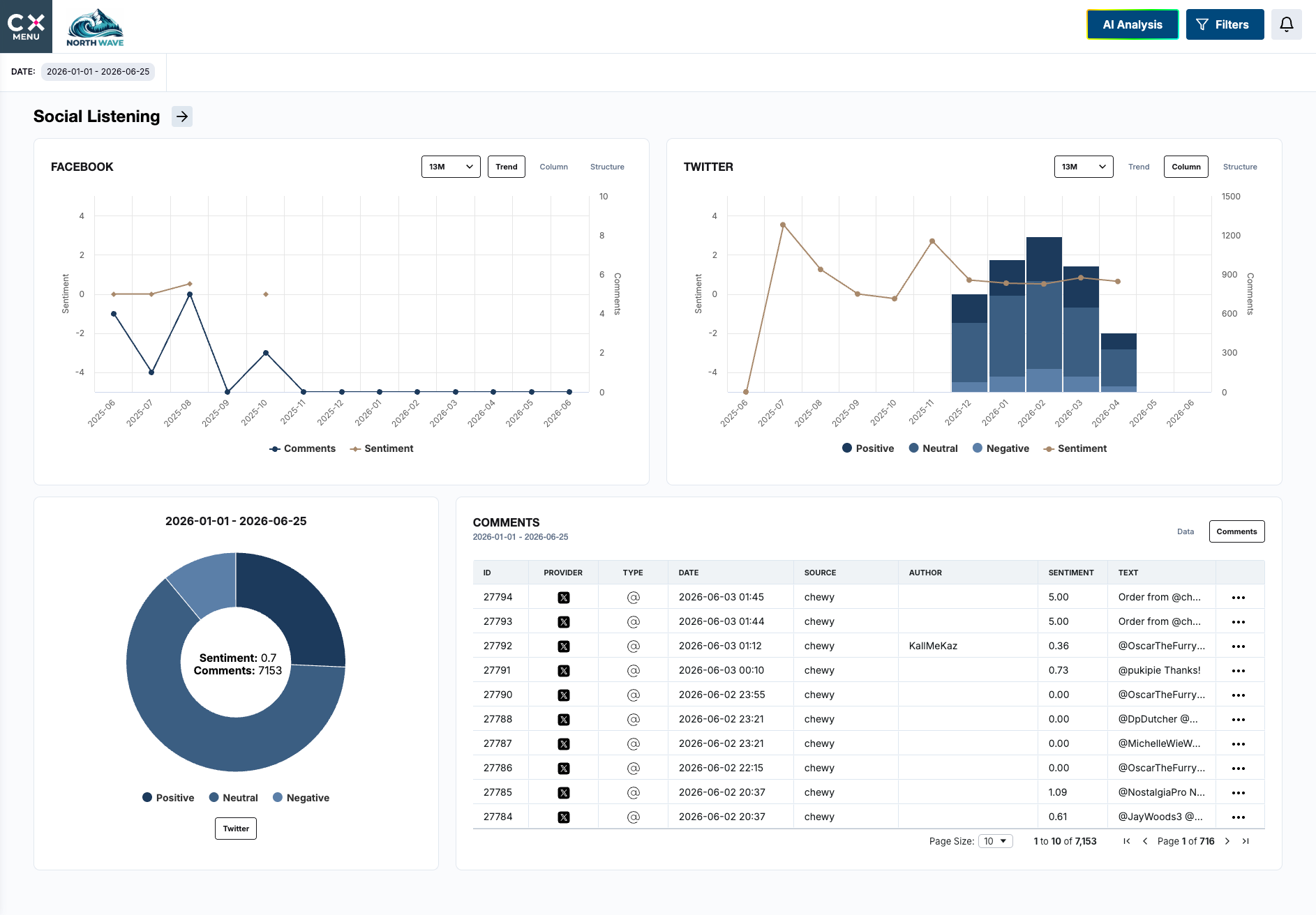
Hear the conversations that never reach a survey.
Monitor keywords, hashtags and brand mentions across social channels, then analyse and respond from the same place.
04 Govern
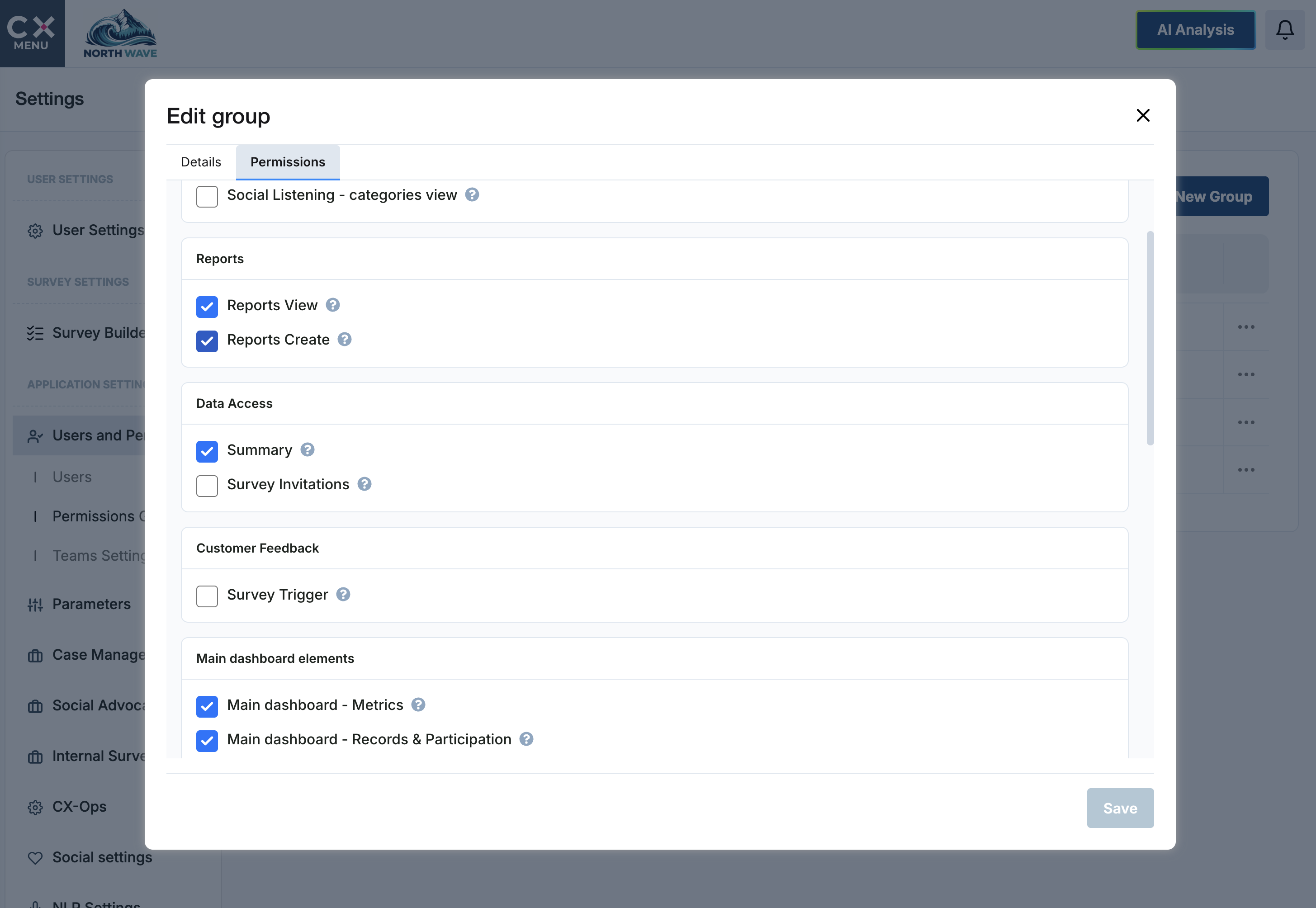
Enterprise ready by default.
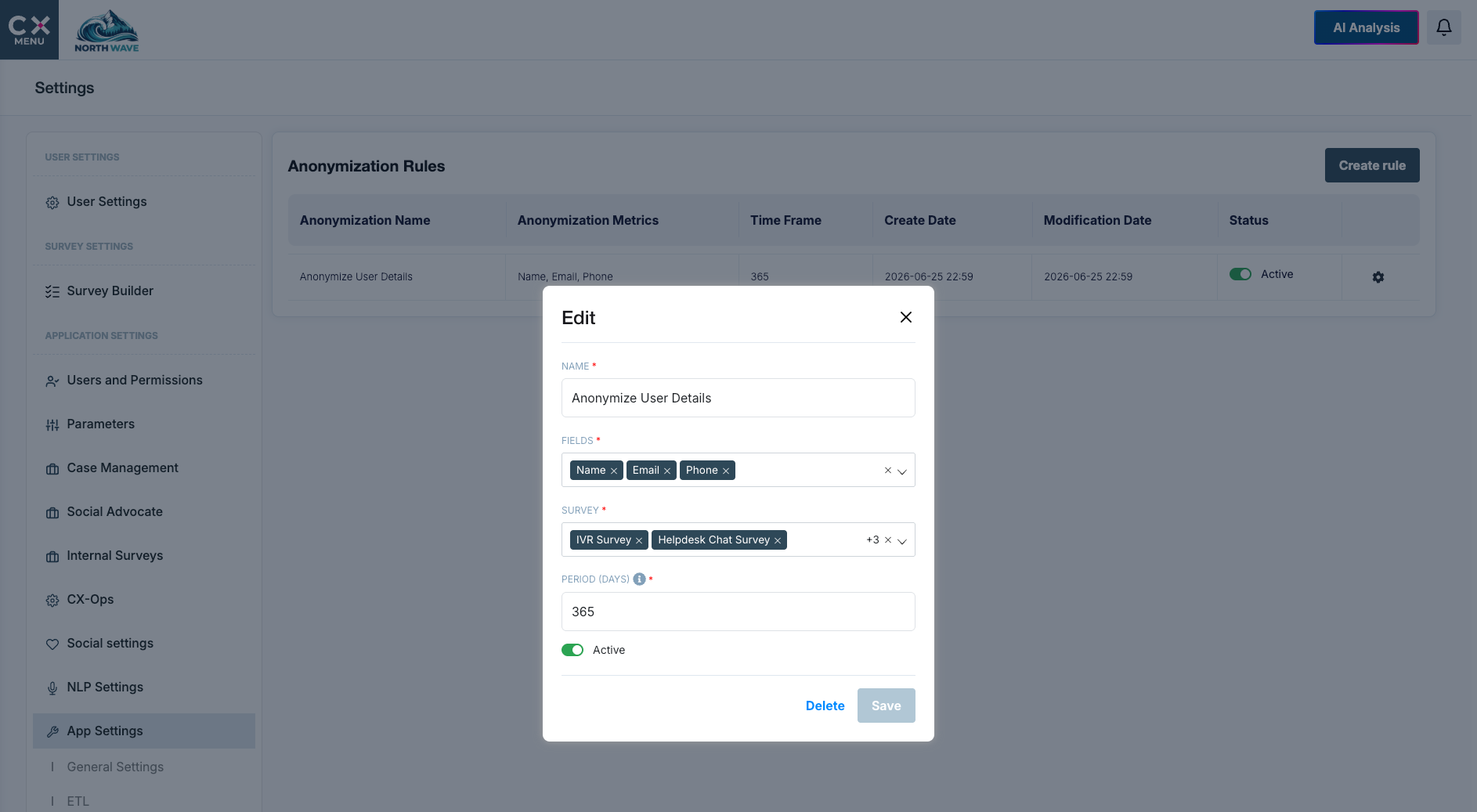
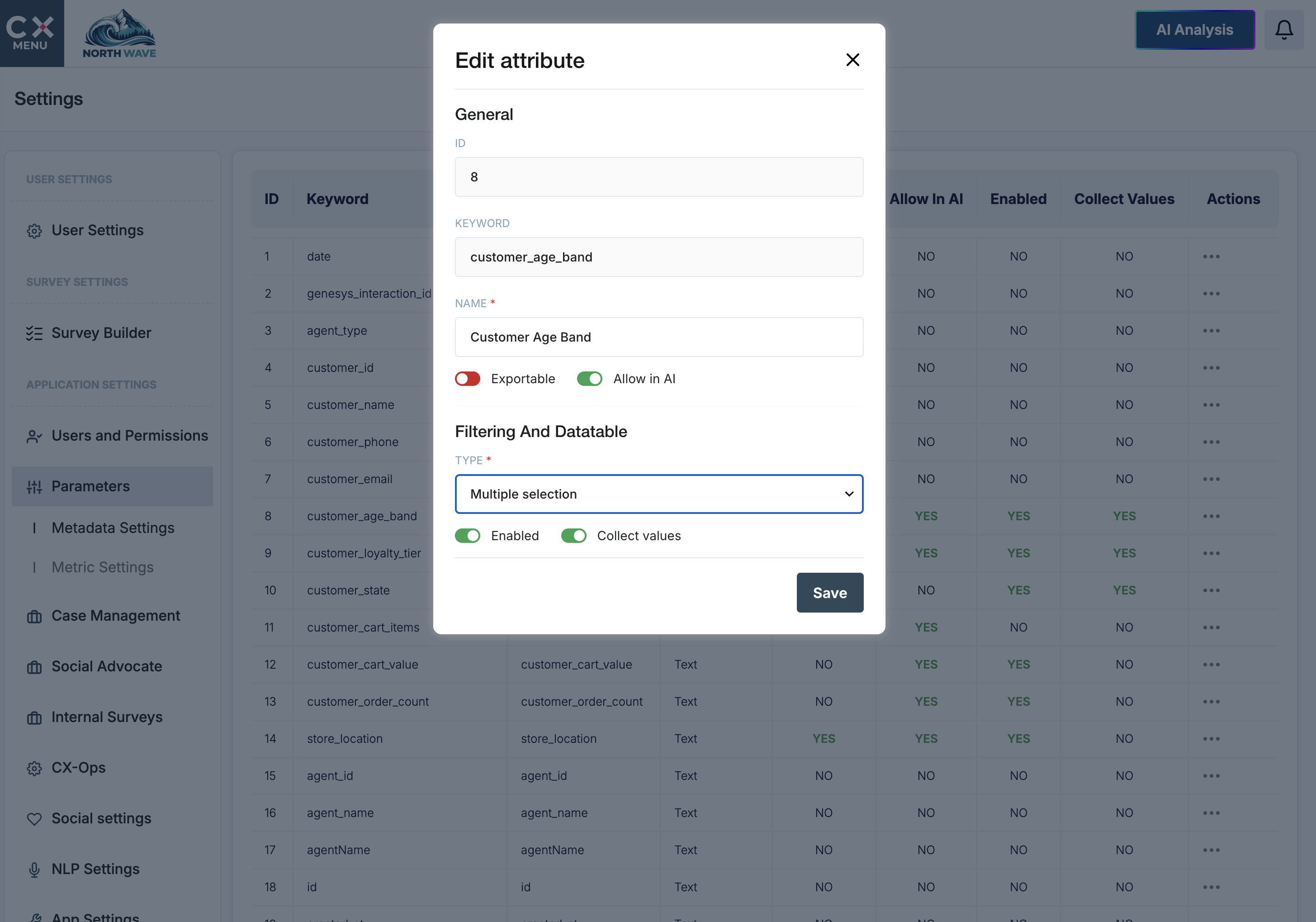
ISO 27001 certified since 2018. Role based access, granular permissions, self managed anonymisation rules, AI access controls, a full audit trail, secure integration and audience exclusion lists.
04 Govern
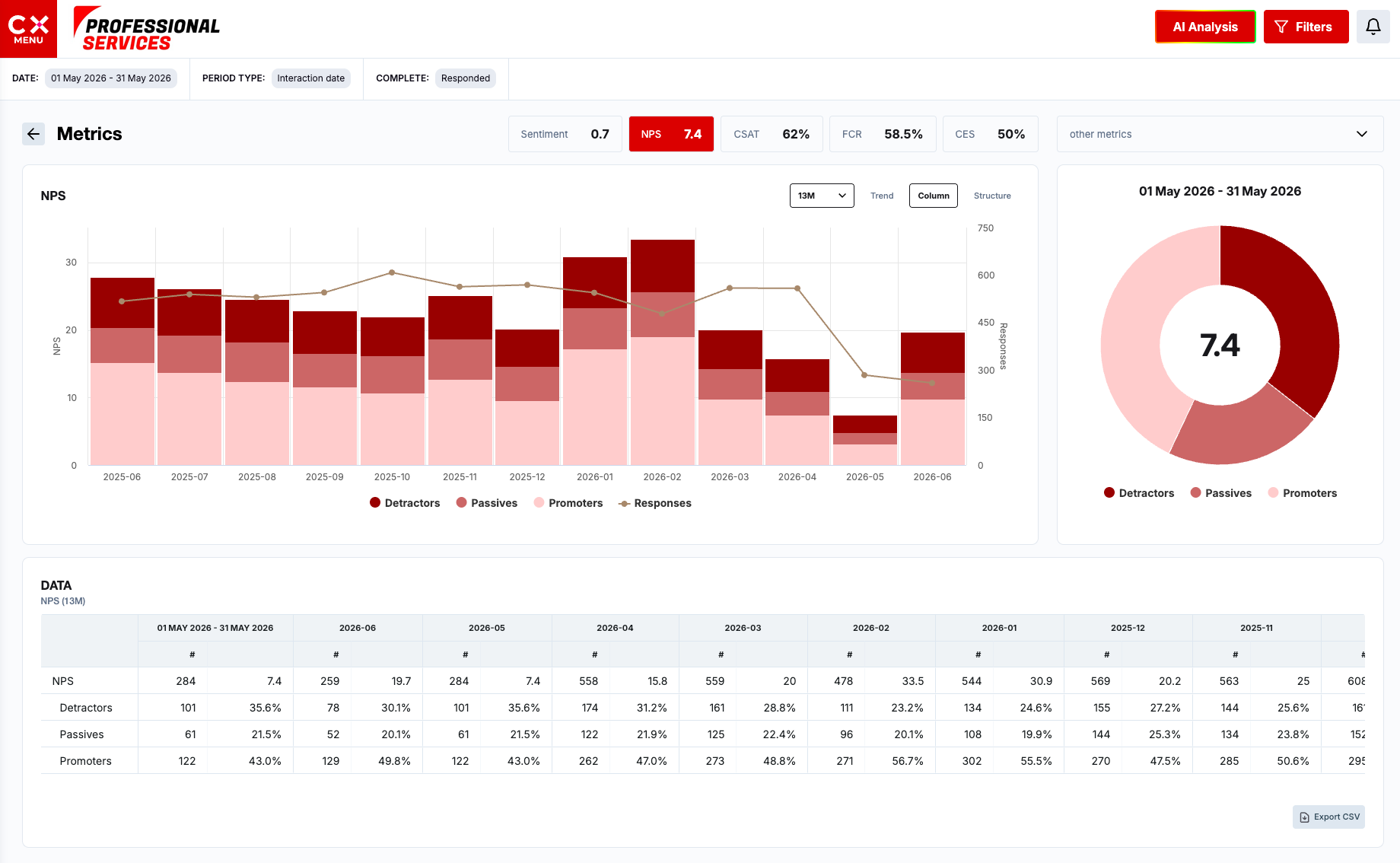
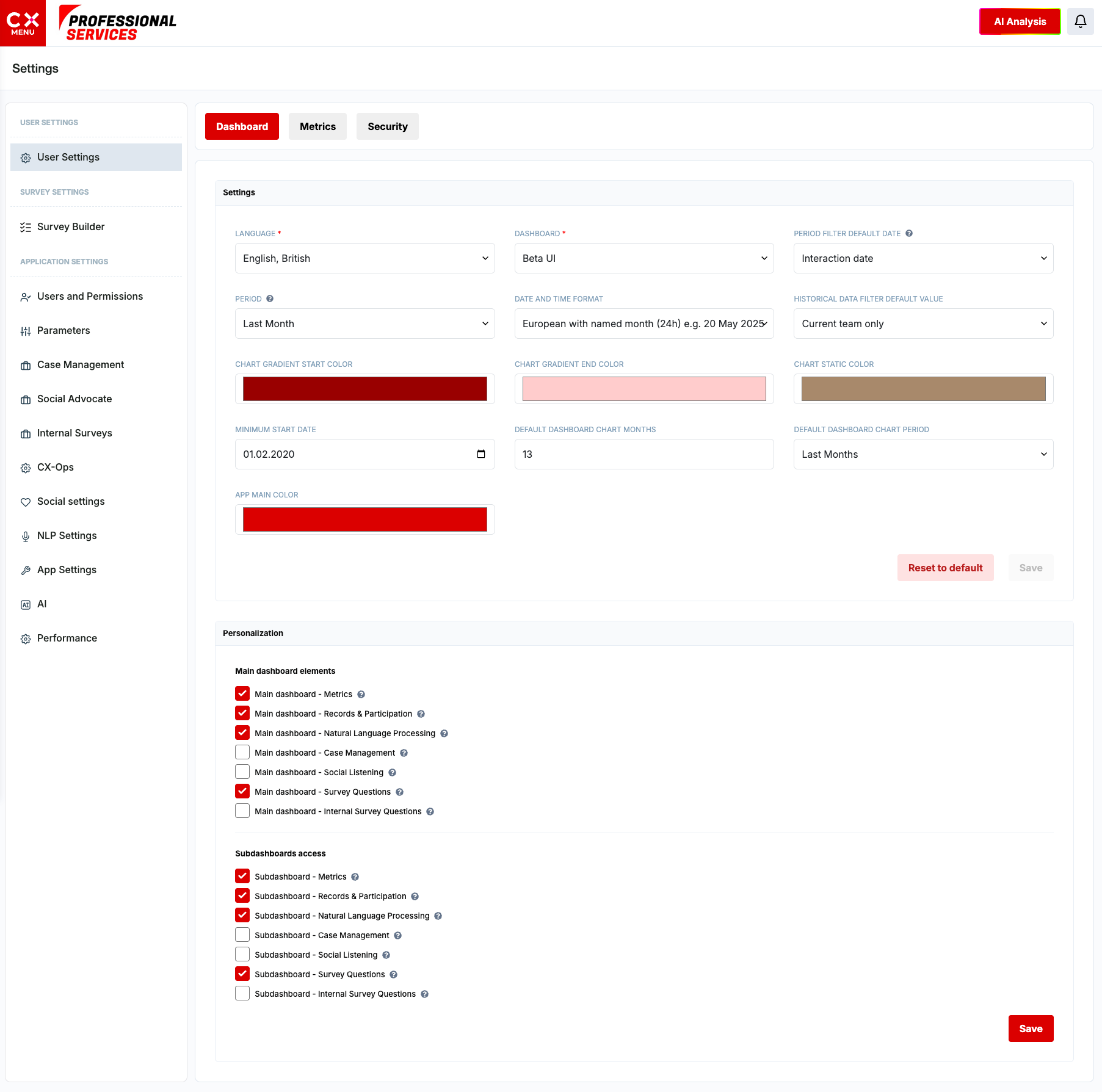
Your brand on every survey and dashboard.
Logos, colours, survey appearance and dashboard branding, set once and applied everywhere.
Questions
Frequently asked questions.
Which channels can CX Index survey customers on?
Voice IVR, SMS, WhatsApp, email, chat, web pop ups, X and Facebook, triggered by Genesys interaction events or your own systems.
Which metrics does CX Index measure?
NPS, CSAT, CES, first contact resolution and sentiment as standard, plus custom metrics built from business rules, formulas and data from other sources.
Can we use our own AI model with CX Index?
Yes. You can choose from multiple LLM providers or bring your own model, with custom prompts, permissioned data access, token monitoring and a full prompt audit log.
Does CX Index include case management?
Yes. Cases open automatically when your rules are met, with owners, statuses, reason codes, escalation paths and AI summaries of the conversation.
See it with your own data
Half an hour, on your journeys, in your Genesys estate.
This page shows the main capabilities. For integrations, deployment options, security detail or a specific use case, we will walk you through it live.